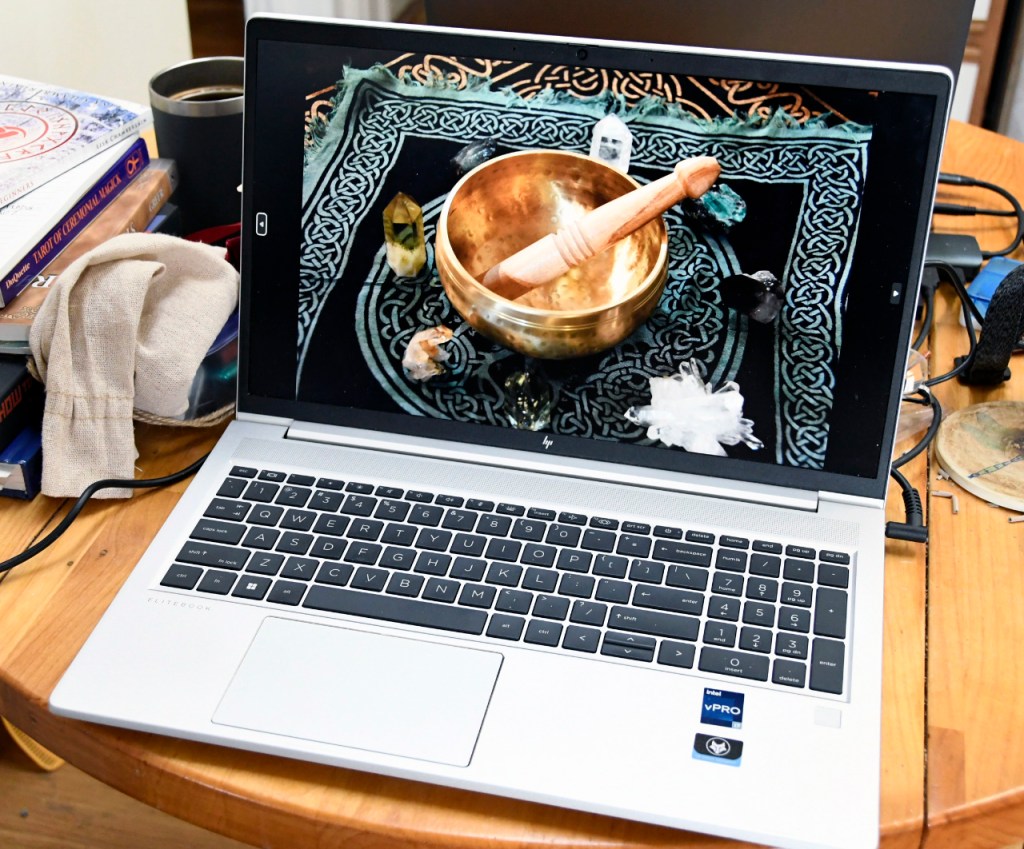
The SO’s company is going through a merger, and all of the nearly new laptops they had were to be discarded so they could set up new machines that were configured to the new entity. So, they gave the SO her company laptop free and clear, “Here, take it. It’s yours.” She brought it home and I was really impressed. The machine is literally not a full year old. It’s an HP, 500 GB solid state (SSD) system drive, lighted keyboard with an Intel Core i7, generation 12 processor and 16 GB system RAM. It had been wiped clean of all the company’s software. It’s a nice machine.
I immediately noticed that the new laptop was running Windows 10, so I began the update process to get it to Windows 11. Windows 10 always seemed cluttered to me. I don’t need the world to jump in my face just because I turned on my computer. Windows 11 is more austere. It doesn’t make you look at a bunch of pointless animations. Windows 10 was junky. 11 has a more mature feel to it and I like it. Yet when I would run Windows Update, it would fail and give the message, “This machine does not meet the specs…” (or something like that), and I just knew that it wasn’t true. The machine met all of the qualifications for Windows 11. I checked and double checked, wading through a gazillion web articles about what could be causing the problem.
I sent a message to the IT guy via the SO asking if there was some kind of security that had the machine locked down so it couldn’t do the upgrade. I thought his answer to her was kind of snotty. He said, “It’s a free computer. It won’t run Windows 11.” I knew this wasn’t true. The Game was on.
One of the best ways to motivate me is to tell me I can’t do something. Here’s what I did: I extracted the original product license from the OS, created a bootable ISO file of the Windows 11 install file on a thumb drive, located a little hidden system drive and cleared it of enough clutter that it could do the install. This may sound like hours of work because it is. With all of this ready, I ran a clean install of Windows 11 from the thumb drive, and now I have Windows 11 on the laptop for which it was supposed to be impossible. I leaned back in my chair, visualized the IT guy at the SO’s company and said, “My Kung-Fu is strong.” If you don’t understand that reference, you haven’t watched enough X-Files.
Hint:

Syd Weedon
4/8/2024
 A Small Blue Marble